Editor basics

How to decide what is the best online image editor for you

If you are asking what is the best online image editor, start with the image you need to change. An online image editor lets you work through a browser, but the right choice depends on the edits, export options, and control your project requires.

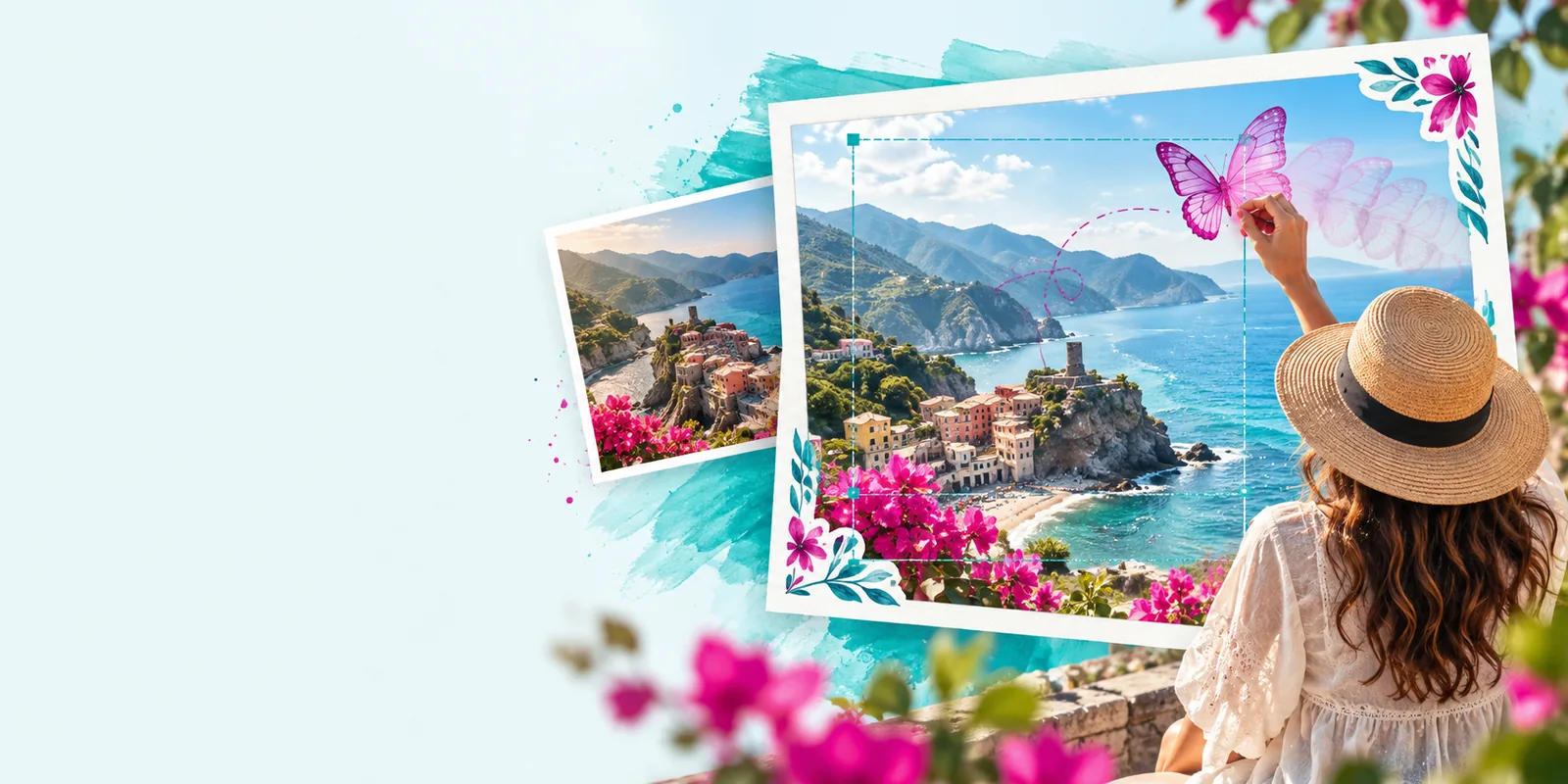
Onlineimage visual introducing browser-based image work

How it works

Most browser-based editing follows a familiar sequence, although the available controls and supported files vary by service.

  1. 1

    Start with a source

    Open an image you are permitted to edit, or begin with a new visual if the service supports creation. Check accepted file types and upload rules before committing important work; an online image editor may handle large or unusual files differently from a desktop application.

  2. 2

    Make and inspect changes

    Apply the adjustments your task actually needs, such as framing, color corrections, text, or background changes where those controls are offered. Zoom in to inspect edges and small lettering, and keep an untouched copy of the source so you can compare results.

  3. 3

    Check the final file

    Before using an edited image, inspect its dimensions, legibility, and visual quality at the size where it will appear. Confirm the available export type and any restrictions in the specific online image editor you choose; a good-looking preview does not guarantee the file meets your delivery requirements.

Can / cannot do

An online image editor can be useful for a quick visual task, but its capabilities are specific to the service. Check these conditions rather than assuming every editor behaves alike.

Required Optional
  • A source image you have permission to use, or a clear idea for a new one. — Rights to the source matter regardless of which editor you select.

  • A device and browser that can open the service and handle the files involved. — Connection, browser, and file-size requirements vary.

  • The exact export dimensions and file type your destination requires. — Verify these before editing rather than discovering a mismatch at the end.

  • Advanced layer, masking, or color-management controls.optional — Do not assume a browser editor includes these; inspect the specific tool if your work depends on them.

  • An original copy for comparison or revision.optional — Keeping one is a sensible safeguard when changes are difficult to reverse.

Who uses it

There is no universal best online image editor: the useful one is the one that matches a person's actual file, task, and delivery requirements.

Occasional photo editors

Someone preparing a personal photo may want straightforward framing and basic adjustments. For this user, an online image editor is worth considering when the required changes are modest and the finished file looks right at its intended size.

Content creators

A creator making visuals for a post or presentation may prioritize readable text, consistent dimensions, and quick revisions. Templates or generation options can be helpful where available, but the creator still needs to check accuracy and image rights.

Small teams

A team producing repeatable visual assets may care more about dependable exports and a review process than a long feature list. If exact brand colors, editable layers, or specialized print files are essential, those requirements should determine whether a particular online image editor fits.

Choose a starting point

Write down the change you want, the file you can use, and the output you need. Then explore Onlineimage's image workflow and check the available options against that brief before relying on the result.

Start with the image you need

  • Keep your original image.
  • Inspect the result at its intended size.
  • Confirm the final file meets your requirements.
Explore image editing

Its own FAQ

There is no single best online image editor for every job. For a simple photo adjustment, prioritize an understandable workflow and a usable export; for layered design or precise production work, confirm those specific controls before choosing.

Begin with the change you need to make and the file you must deliver. Then check whether an online image editor accepts your source, offers the necessary controls, and exports the dimensions and format your destination requires.

It can cover some everyday tasks, but replacement depends on your workflow. Projects requiring complex layers, specialized color management, or particular file compatibility may call for desktop software or a carefully verified browser tool.

Compare it with the original, examine fine details, and preview it at the size where people will see it. Check that the exported file opens correctly and that you have permission to use its source elements.

Start editing
Start editing